01 – Jump Creek Falls
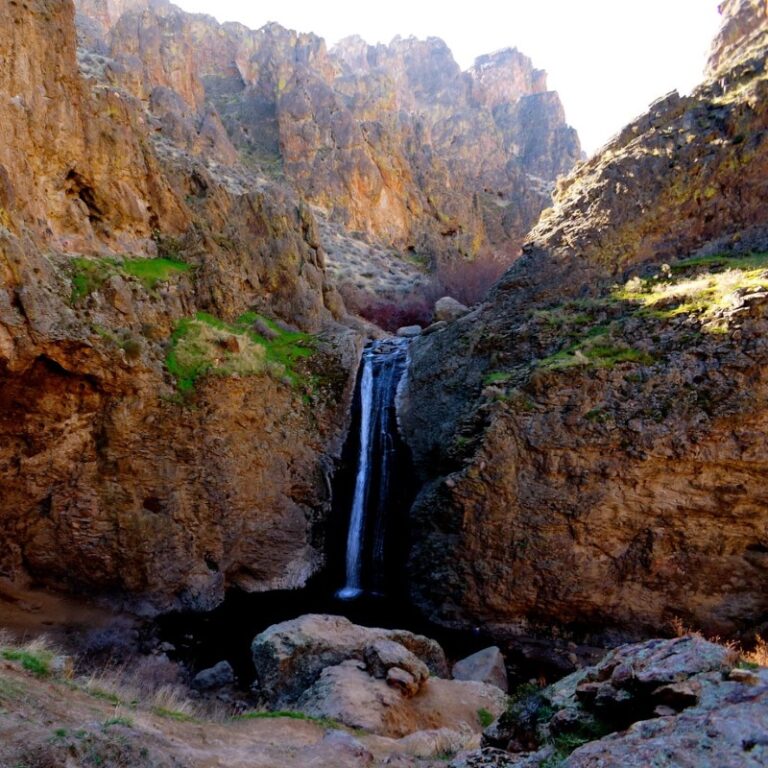
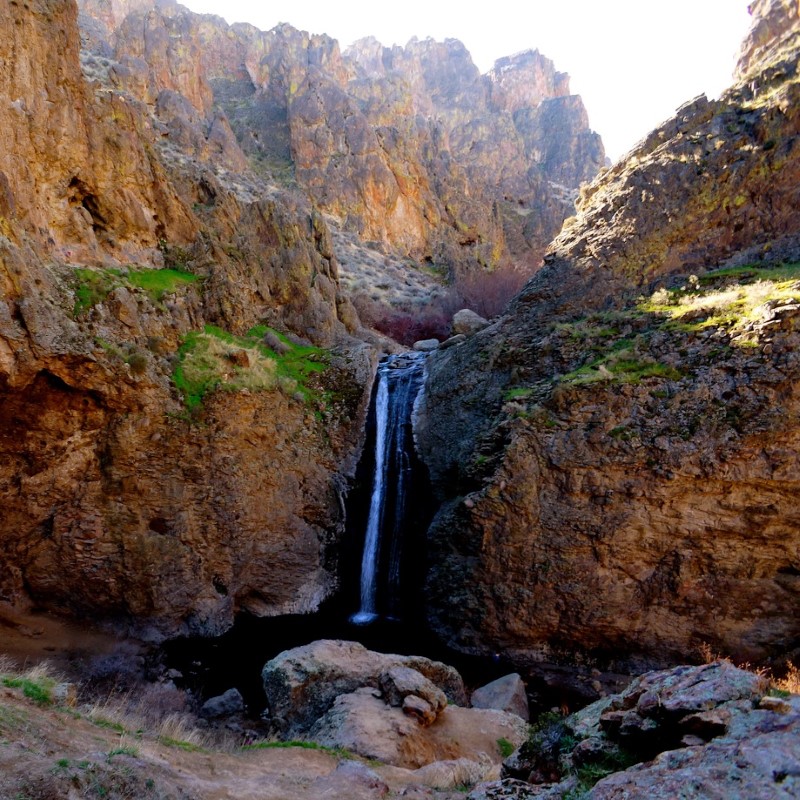
Jump Creek Falls is a 50-foot waterfall in Owyhee County, Idaho. It’s located southwest of Marsing, Idaho, at an elevation of around 2,600 feet.
- Hiking: The Jump Creek Falls Trail is a 4.3-mile out-and-back trail that’s moderately challenging and takes about 2.5 hours to complete. The trail is popular for hiking and off-road driving, but it can be more secluded during quieter times. Some recommend the trail, especially for children.
- Picnicking: Visitors can picnic near the rock crevices and stream.
- Swimming: Swimmers can enjoy a dip at the base of the falls.
- Cliffside viewing: Visitors can walk to the Falls Overlook.
Coordinates: 43.47994, -116.92376
Elevation: 2953 ft
Difficulty: 2
What to Expect: Easy access. Gravel the last 1/2 mile.
[reblex id=’779′]
Check In
Use the form below to check in. Check-ins must include a photo of you or your bike at the challenge site with the 2024 bandanna. All participants must be registered IAMC Challenge Members. Leave a description of your ride and share road conditions — snow, water, obstacles, and tips for future riders are all appreciated.
Replying to another person's check-in is encouraged, but take care not to accidentally create your own check-in.
The stated difficulty is an estimate. Rating your experience helps future riders stay safe. You alone are responsible for the safety of your ride.
35 Check-Ins

Beautiful Gorge! Hard pack gravel with plenty of loose pebbles on top.


Had the day off so I went and wondered a little. Super easy to get to. Also its day use only.


It was a nice and easy ride there, but there was dirt/gravel the final half mile or so.


Dave and I rode to Jump Creek from Celebration Park. He went down the concrete ramp, but I didn't follow. I'm giving it a 2 because of the gravel road on the last half mile to Jump Creek. Lots of other people were there--it was a beautiful day!


Nice & easy. Went 5/19 was cool and windy which cleared any dust from the car ahead...and there were many cars. Was a busy day there. Lower parking lot was full and top one was half full. Lots of people walking around. Didn't go on the hike as only had my riding gear.


Easy, yet breezy, ride to Jump Creek on 3/29 with a couple of pals. Amazing views and stunning rock formations. Plan to return for some hiking and exploring.
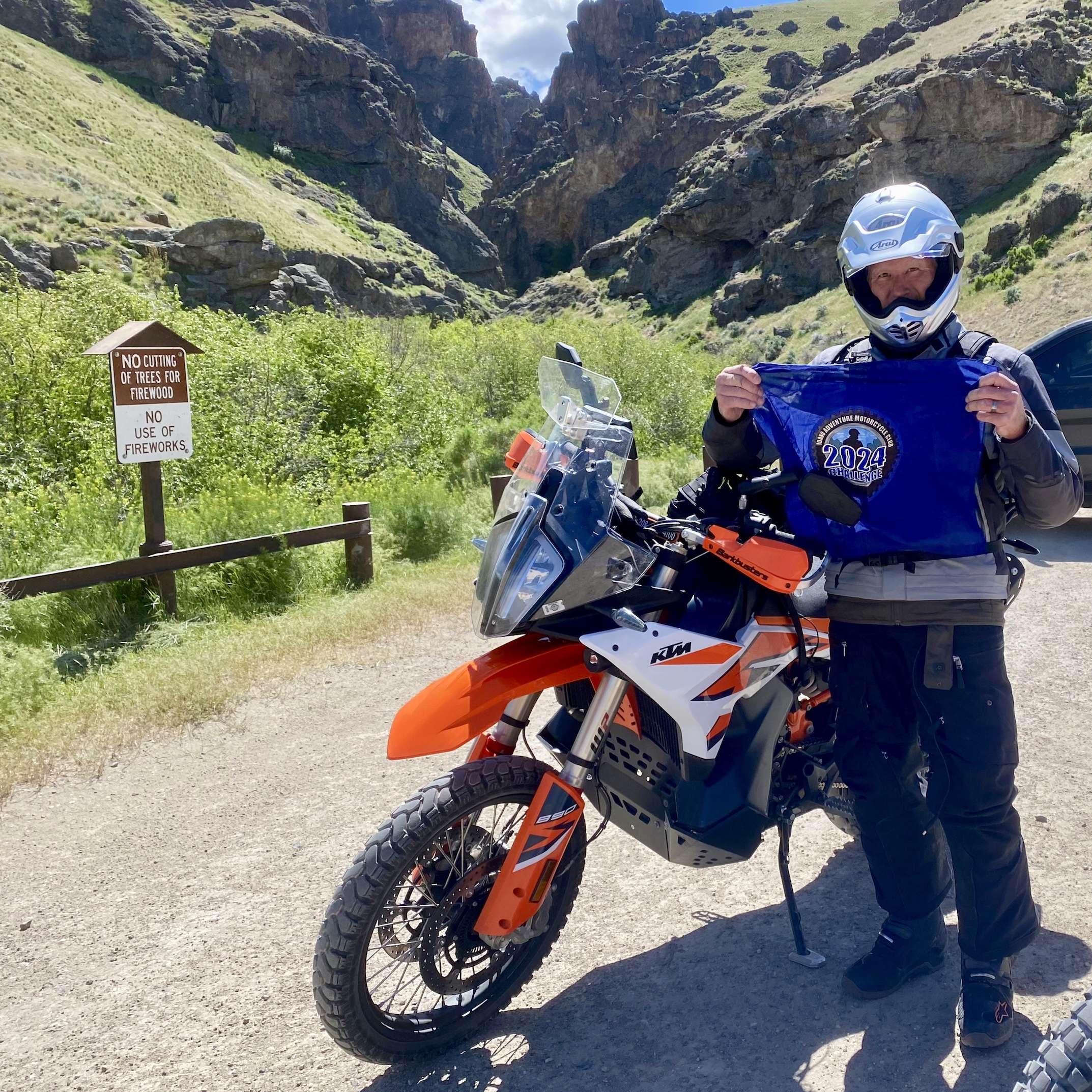

Great ride to Jump Cr. falls with friends. Lots of wind which luckily meant minimal dust on the dirt roads and trails.
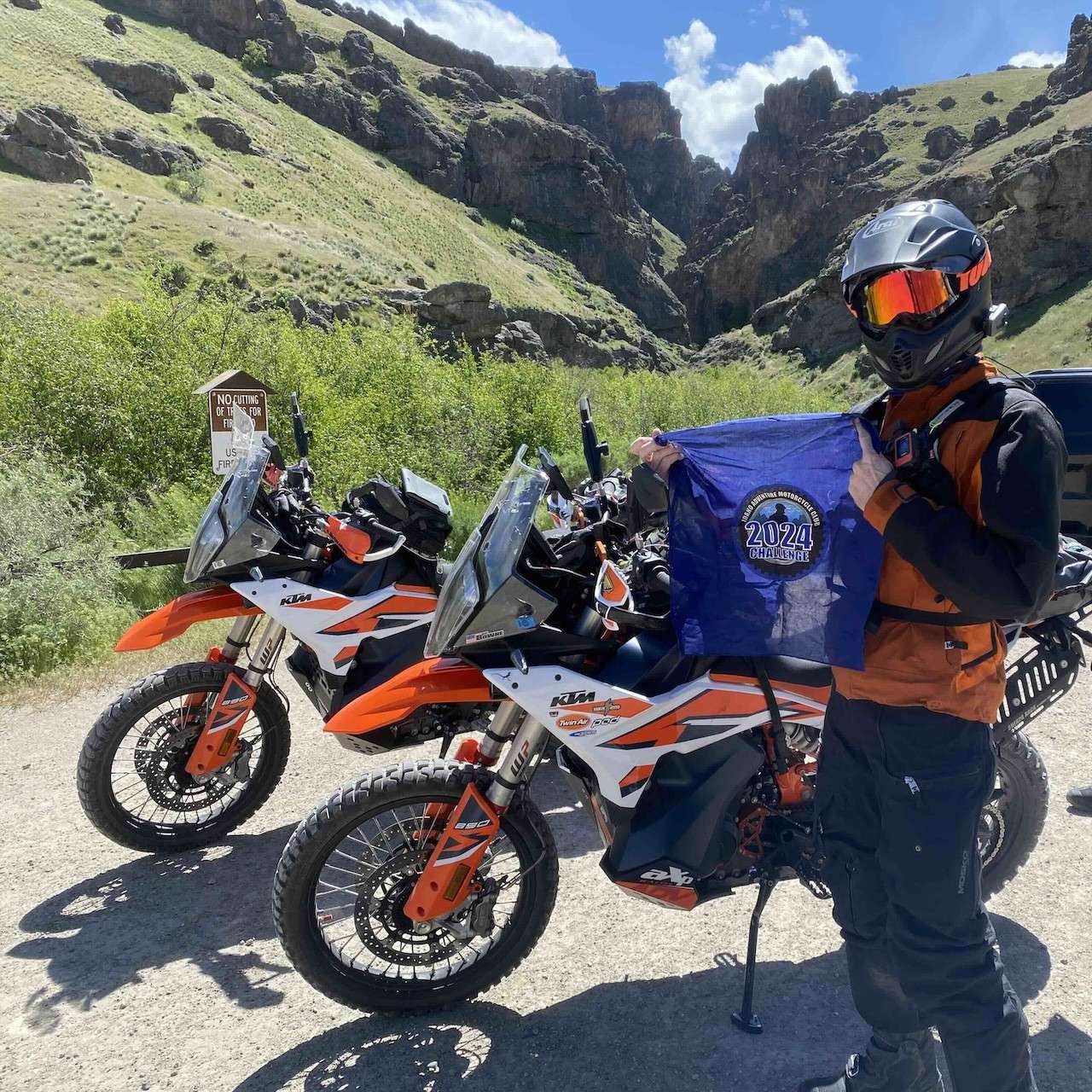

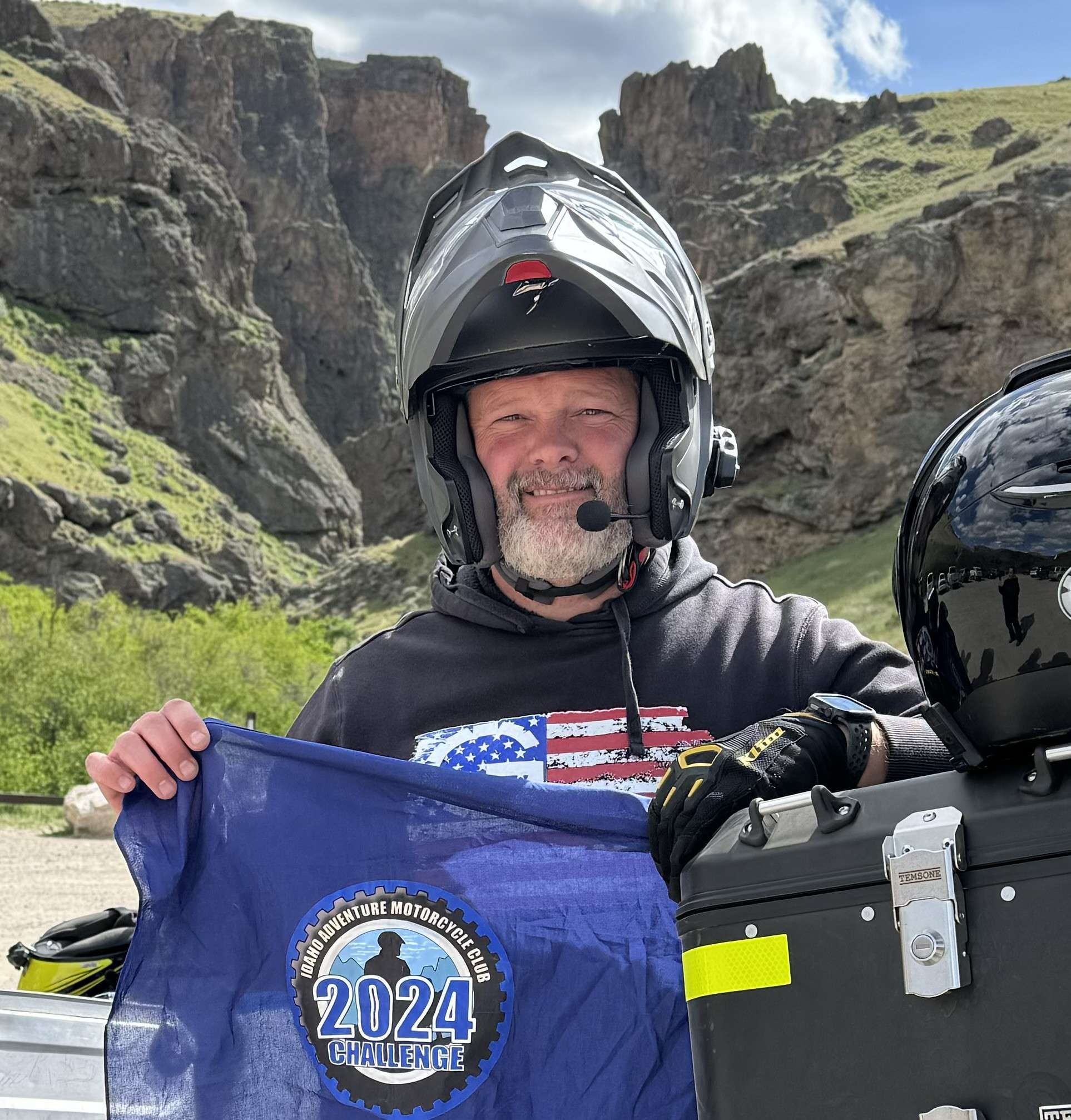

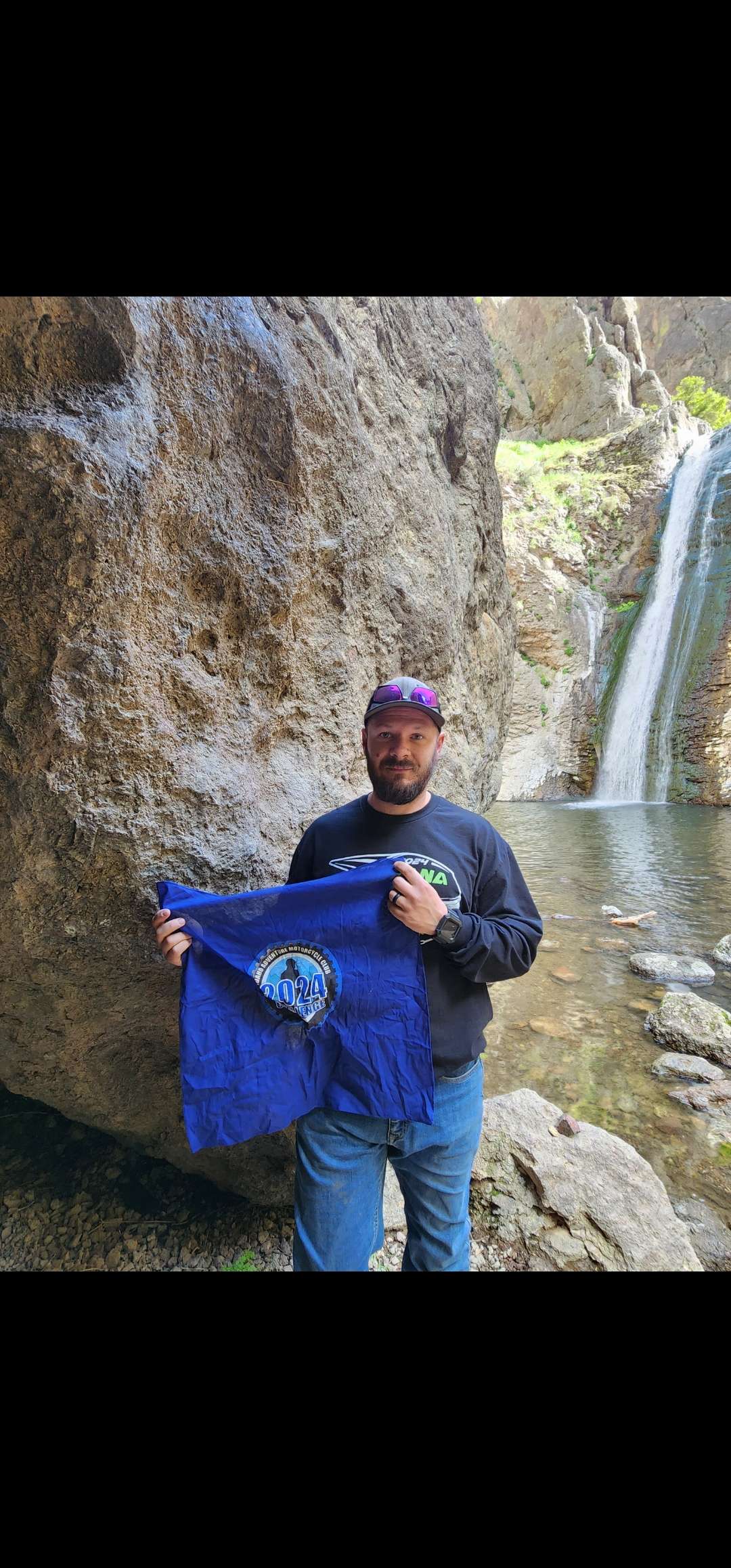
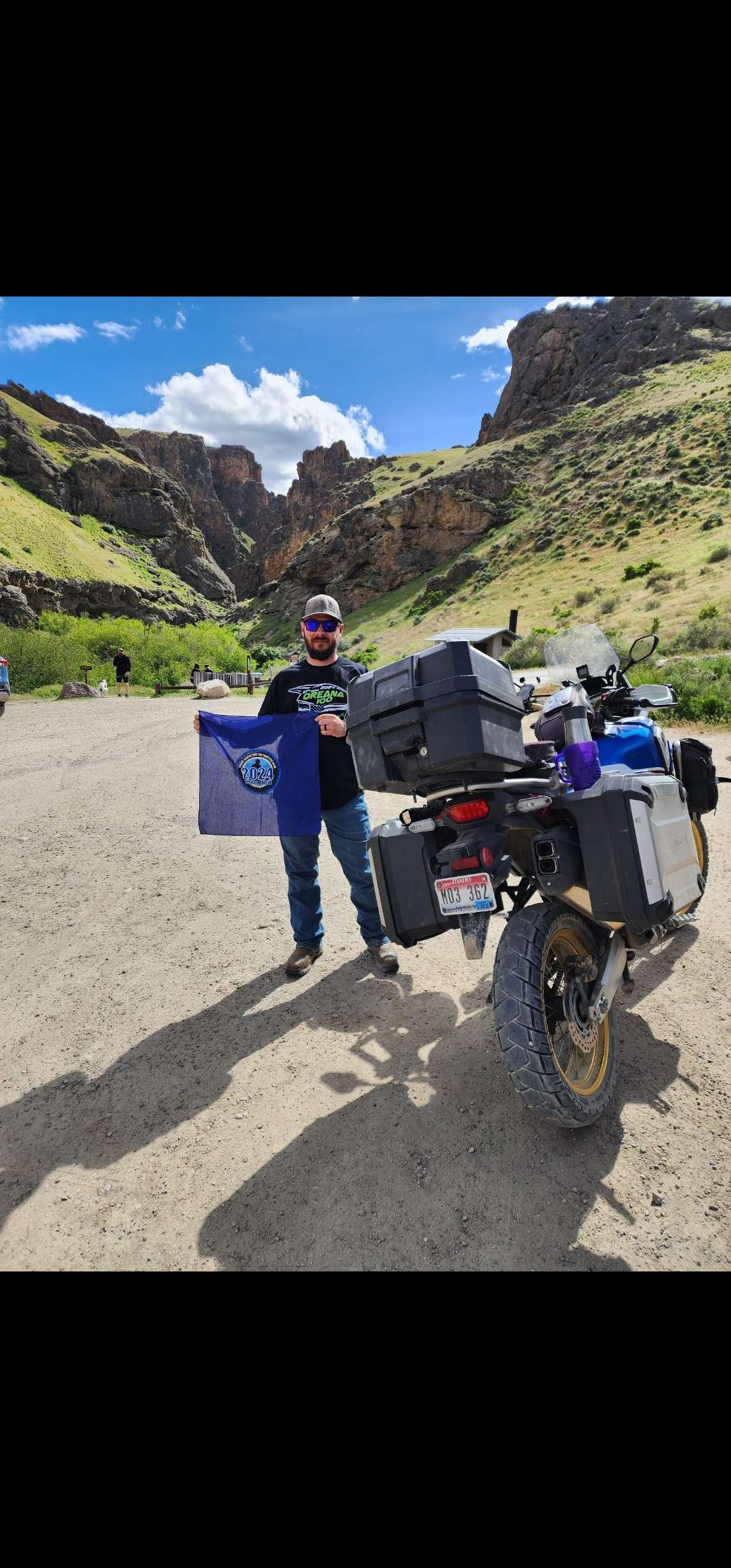

Malibu Stacy and I had a nice Sunday afternoon ride and picked up Jump Creek and the Old Fort Boise marker.
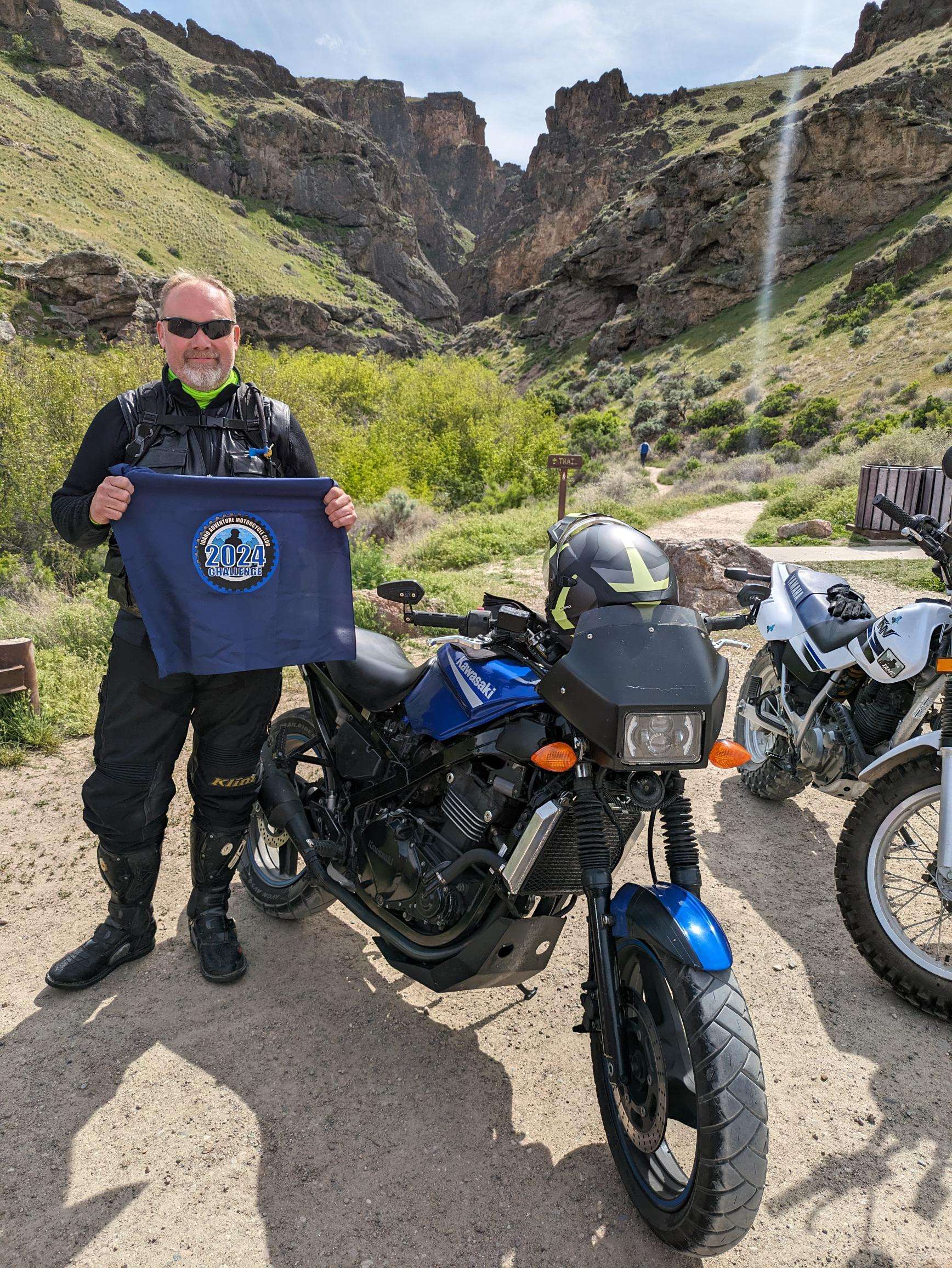

Lovely Sunday afternoon for a ride on back roads from Caldwell, past Lake Lowell, through Marsing to Jump Creek. It was sunny with a breeze and the roads were dry. Was expecting to see more people out riding but it was fairly quiet. By the looks of the bathroom it had been much busier yesterday.
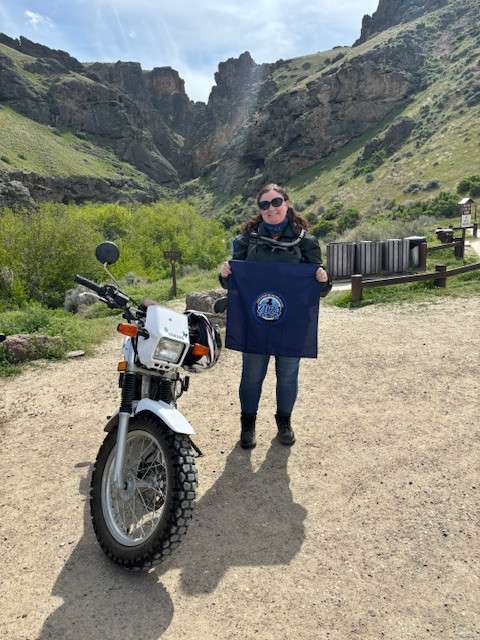
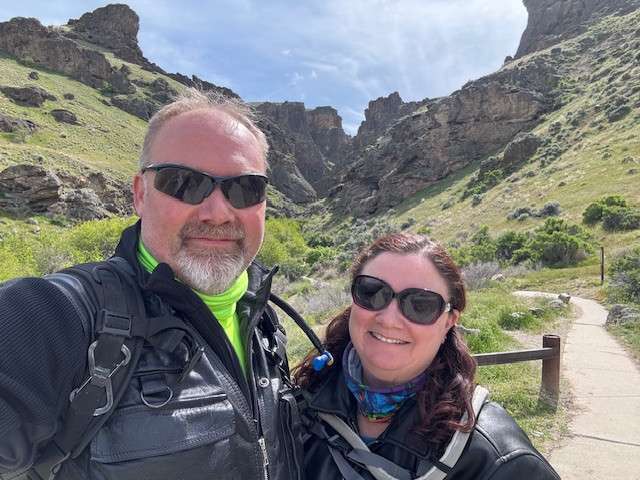

This was the last stop on a 300 mile 2 day ride with 95% dirt. I will note that we came in from jump creek via succor creek and the water crossing was about 24" deep, wide and flowy. Timid riders beware. We got through unscathed and had a blast. The trail after that is probably a 2, just with an asterisk
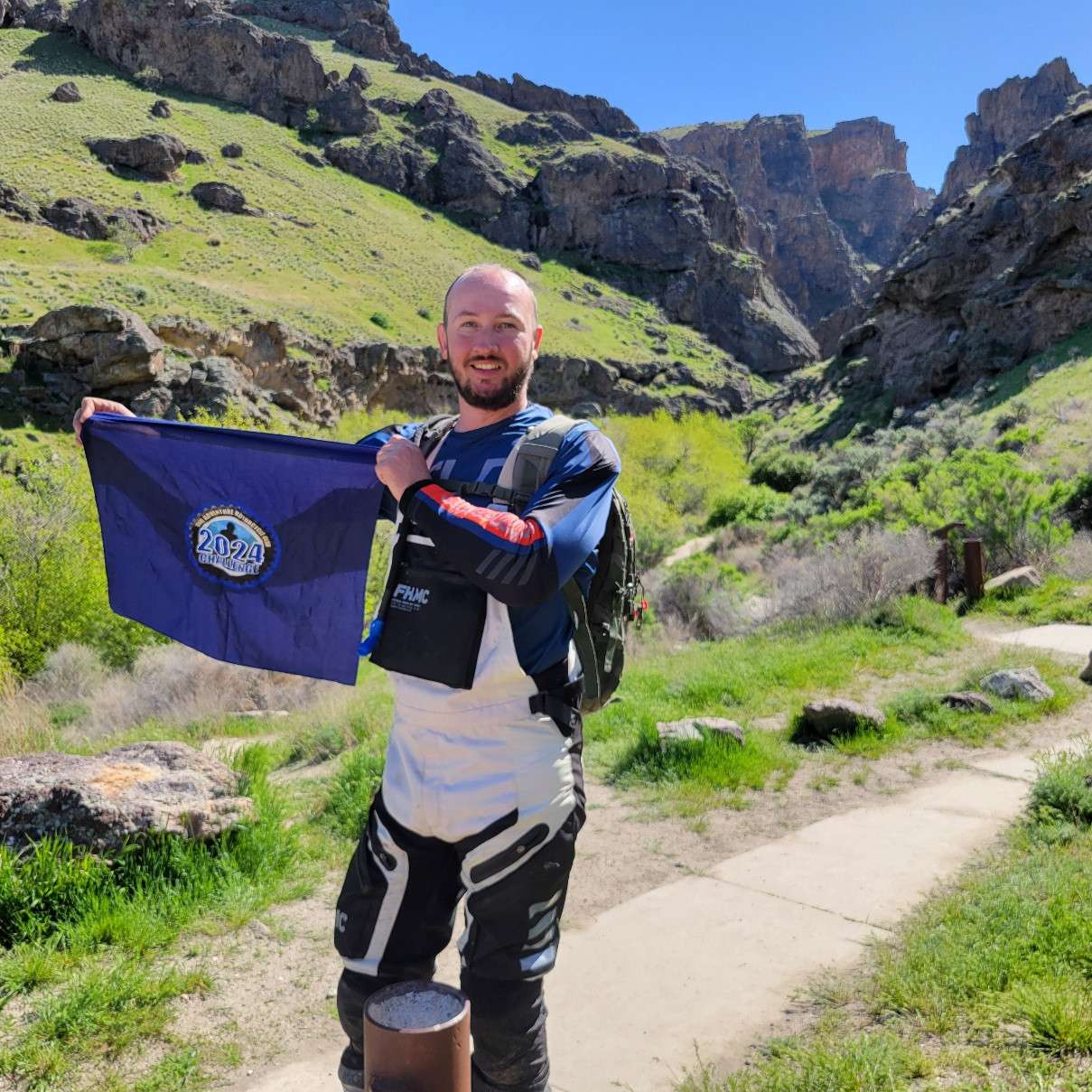
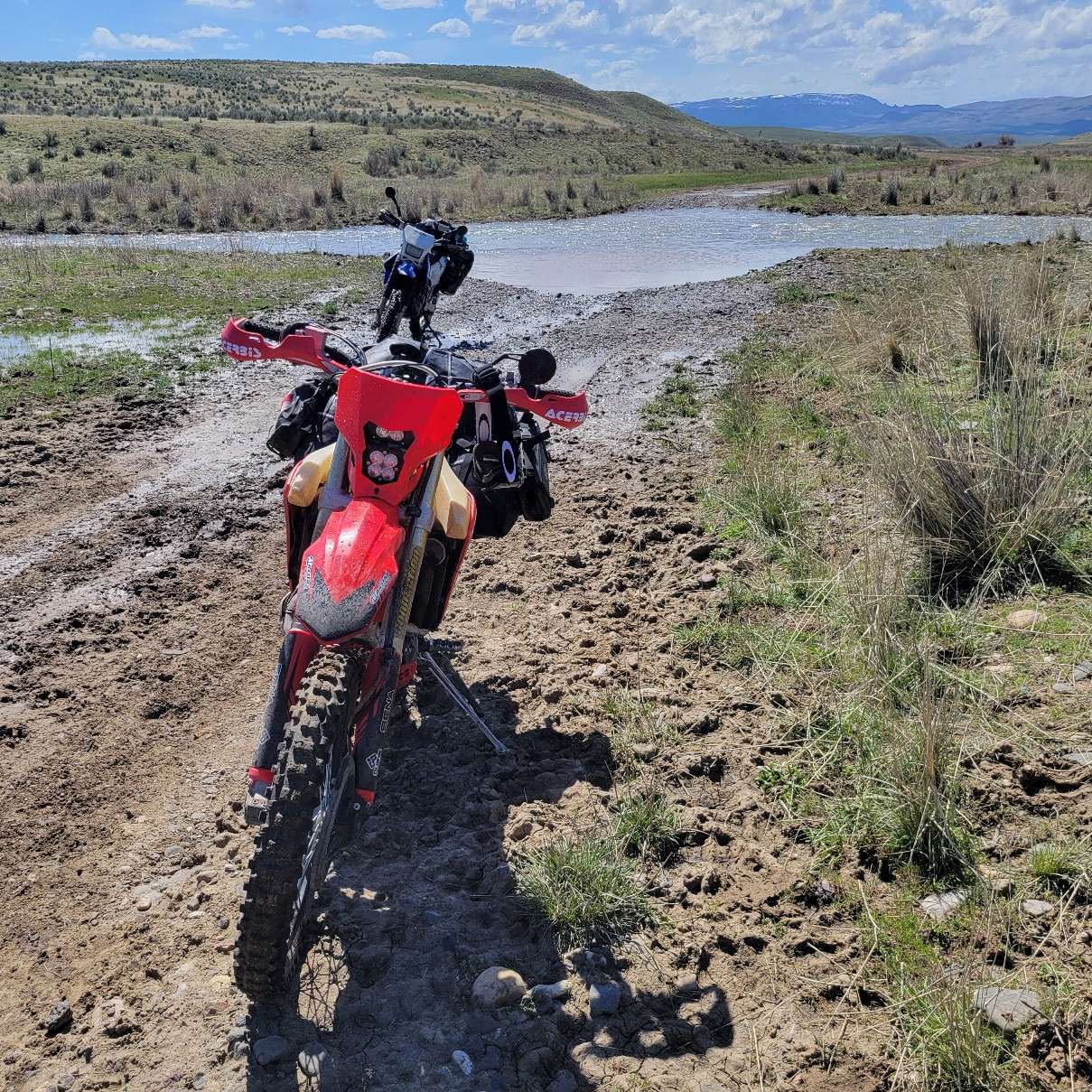

Finished a two day trip into the Owyhees with this site on Saturday 4/13. The weather was great that day and it was surprisingly crowded with people hiking to the falls. I did not make the hike to the falls from the parking lot because I was exhausted from a long day of riding challenging terrain but plan to return again someday to check it out.
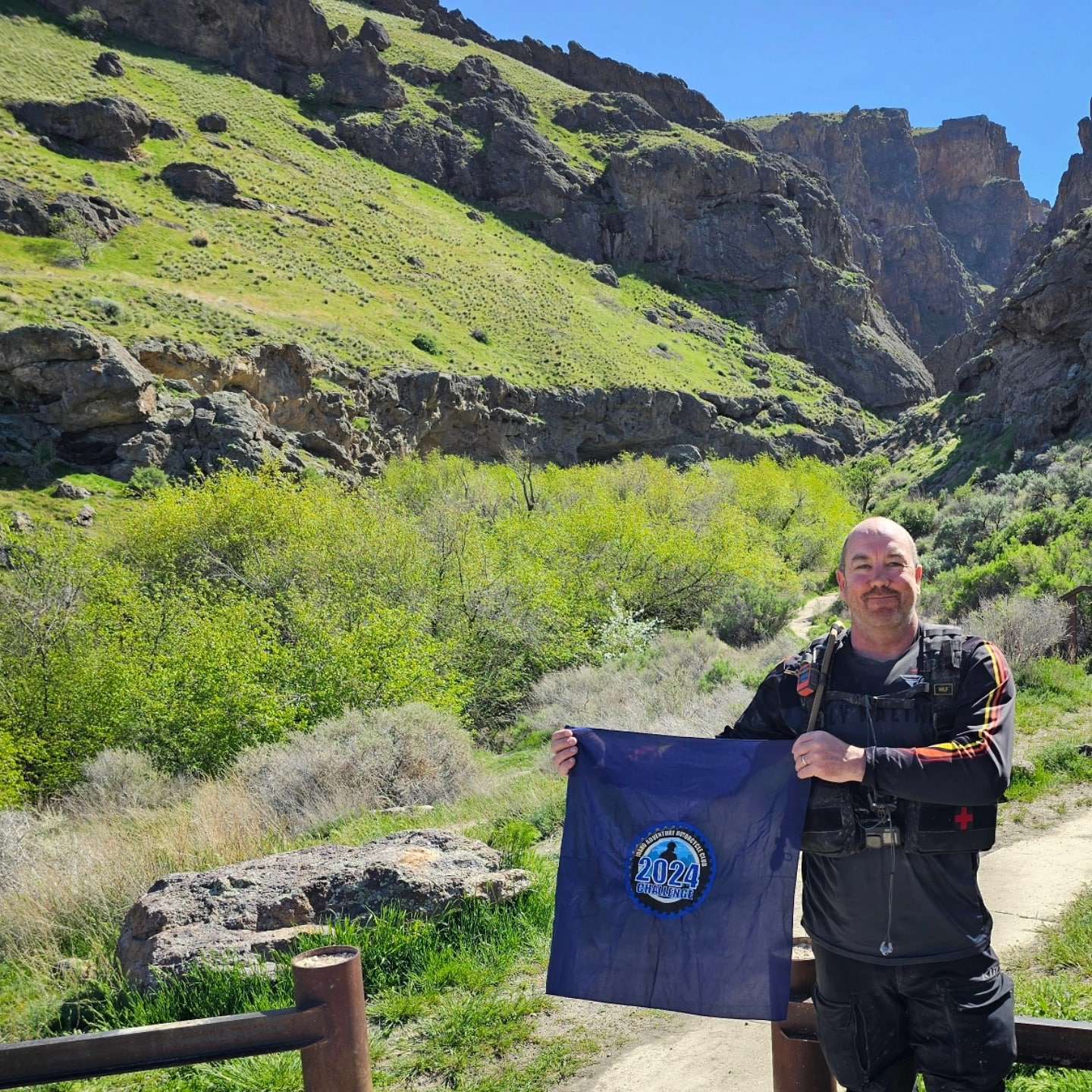

Rode two up with my wife. Nice way to spend a Sunday morning. Kinda shocked I have never been here. Road was as expected for that part of the world.
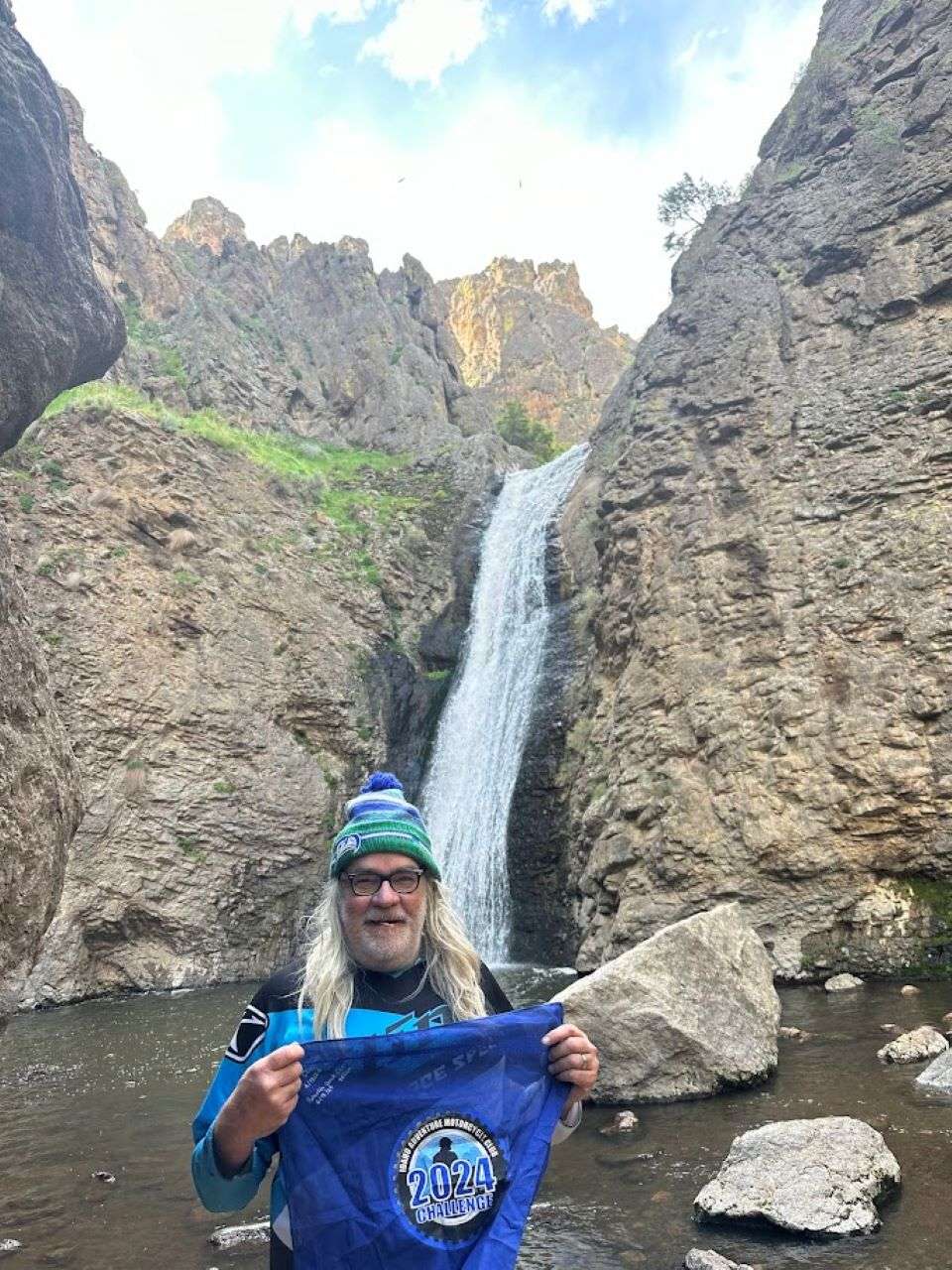

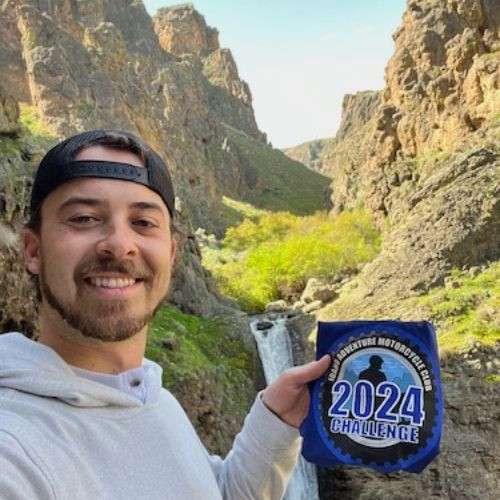
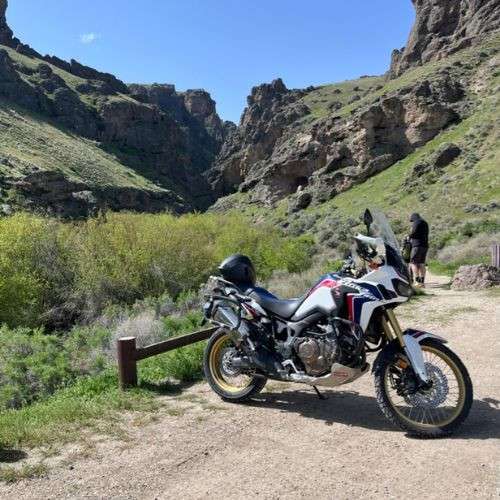

I went there once before but didn't go down the concrete ramp to the lower parking lot. Checked that box today though, along with dozens of other outdoor enthusiasts taking advantage of the great Saturday weather.
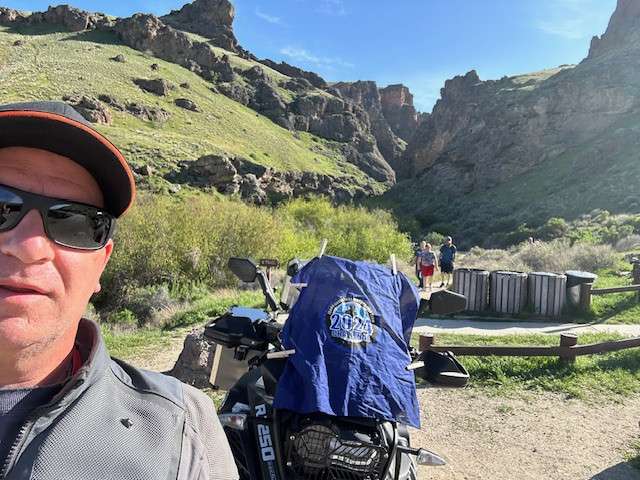

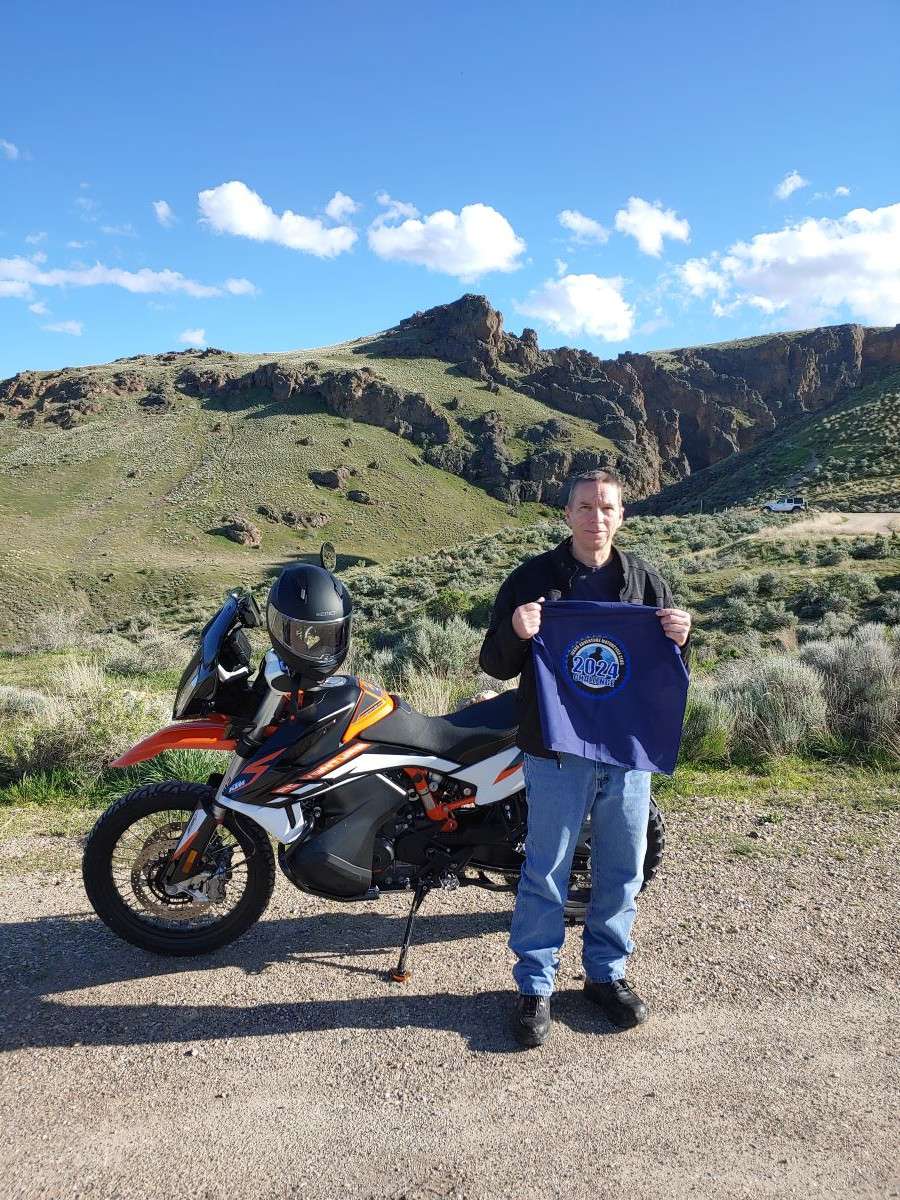

Jump Creek, end of a 219 mile day... the evening light was nice on the canyon rocks.
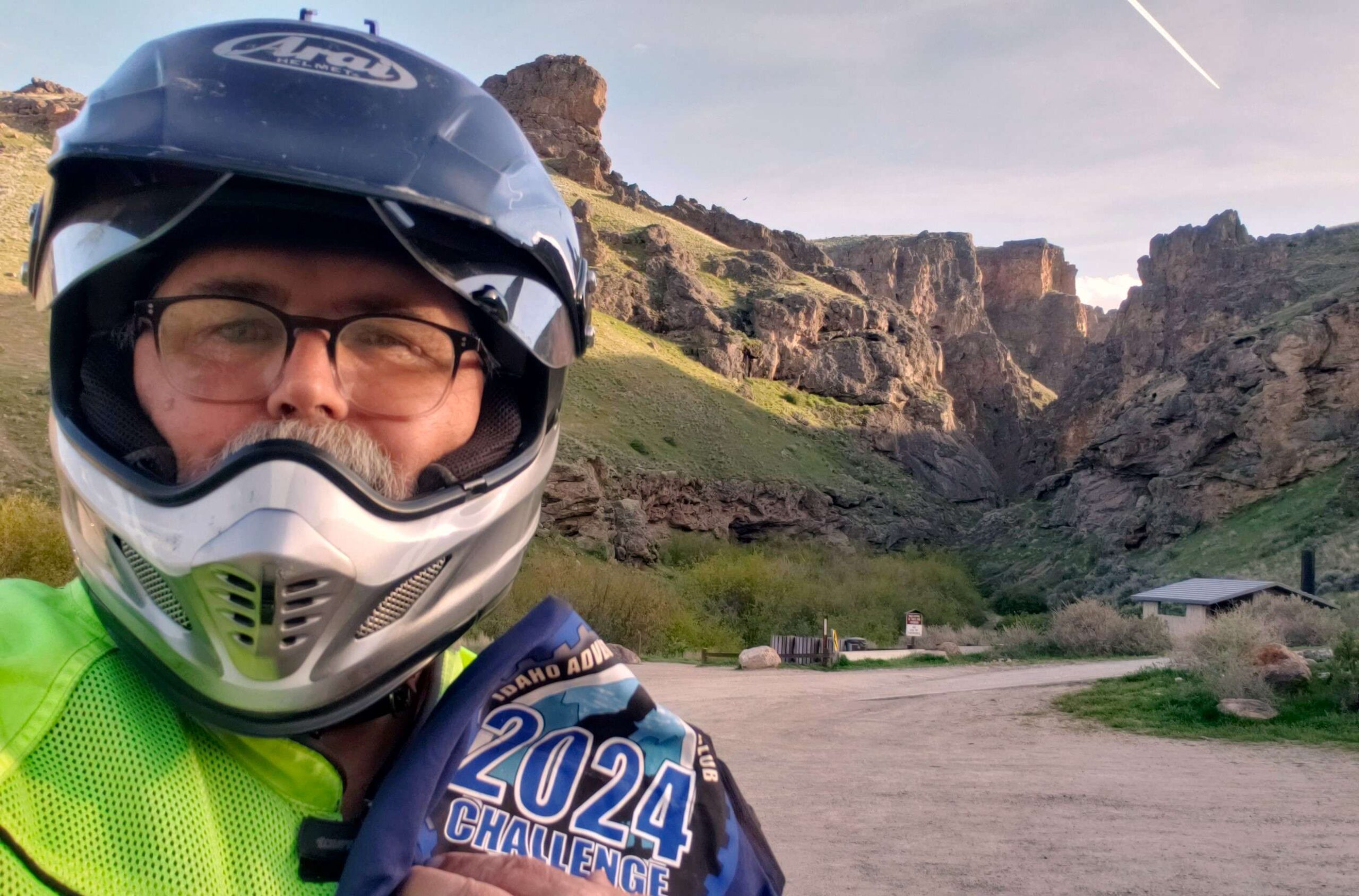

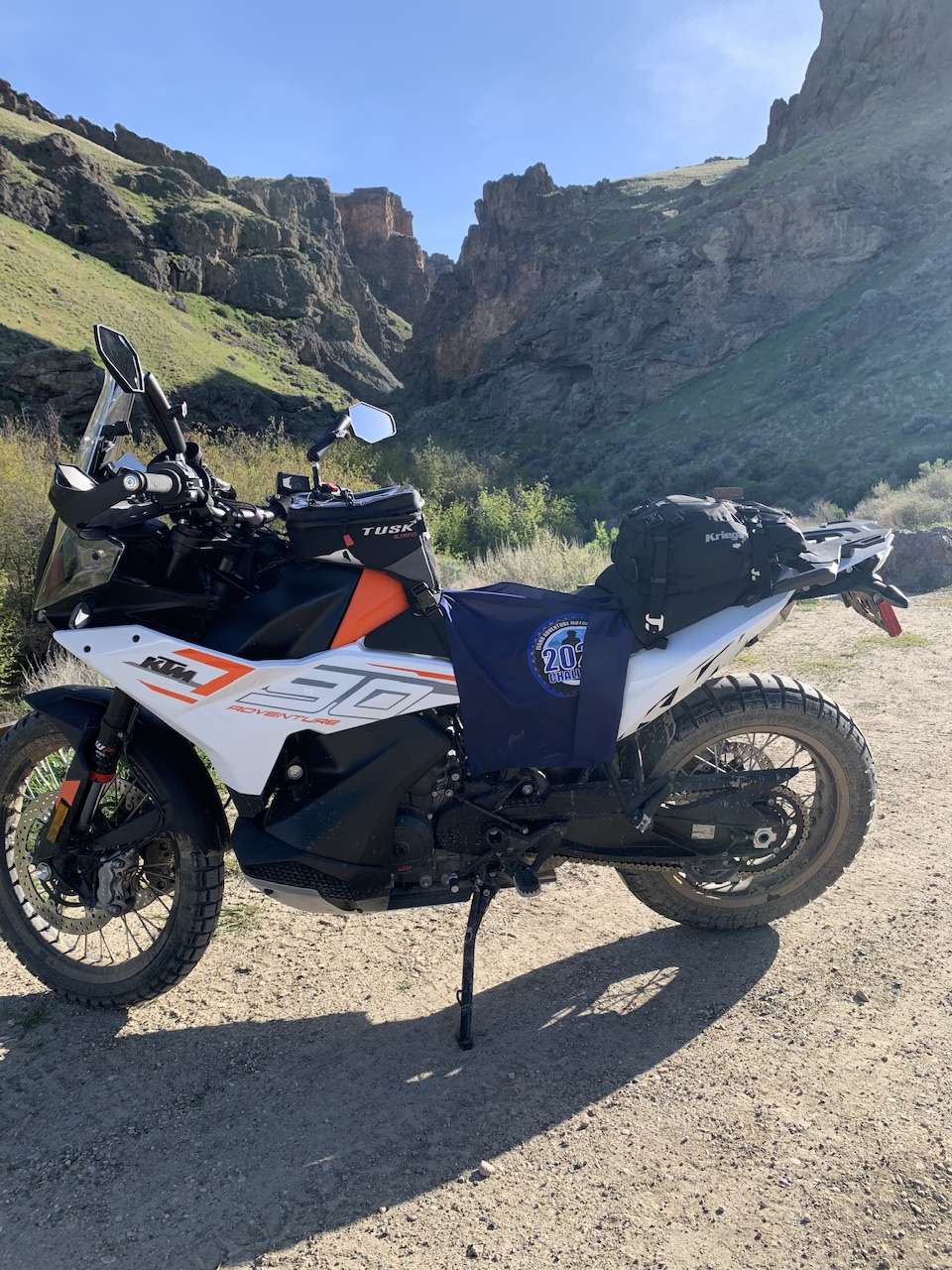

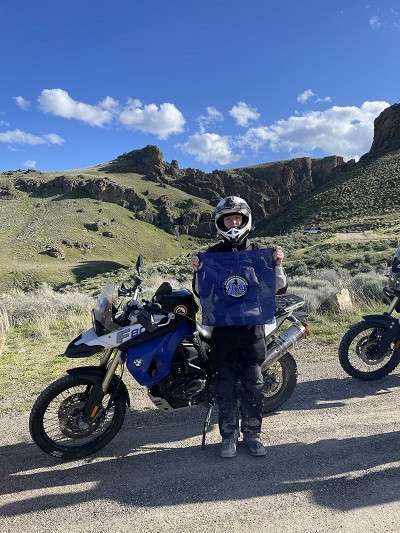

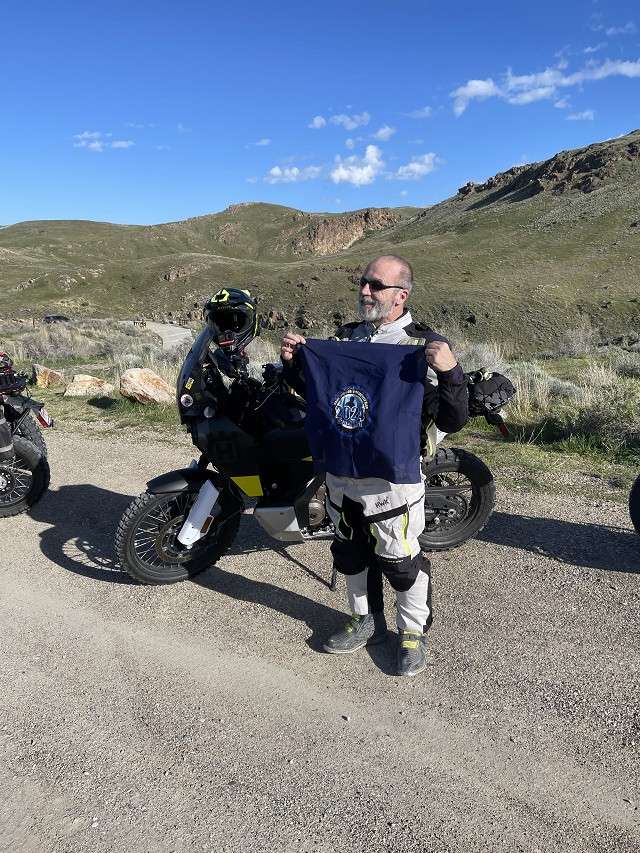

Jump Creek Falls was the first challenge point we hit in our 4/9 group ride. The ride over is nice, especially if you hug up to Lake Lowell as we did. Expect to find well paved roads most of the way, but I'm rating this one a 2 since the last 1/2 mile or so is well graded gravel. You also need to cross a couple of cattle guards. It's not difficult by any means, but a 1 is paved roads all the way and this one is not.
We didn't go to the falls, but I will def return with the family. We were told to get to the falls right now you need to wade through some water over the trail due to the recent rains.
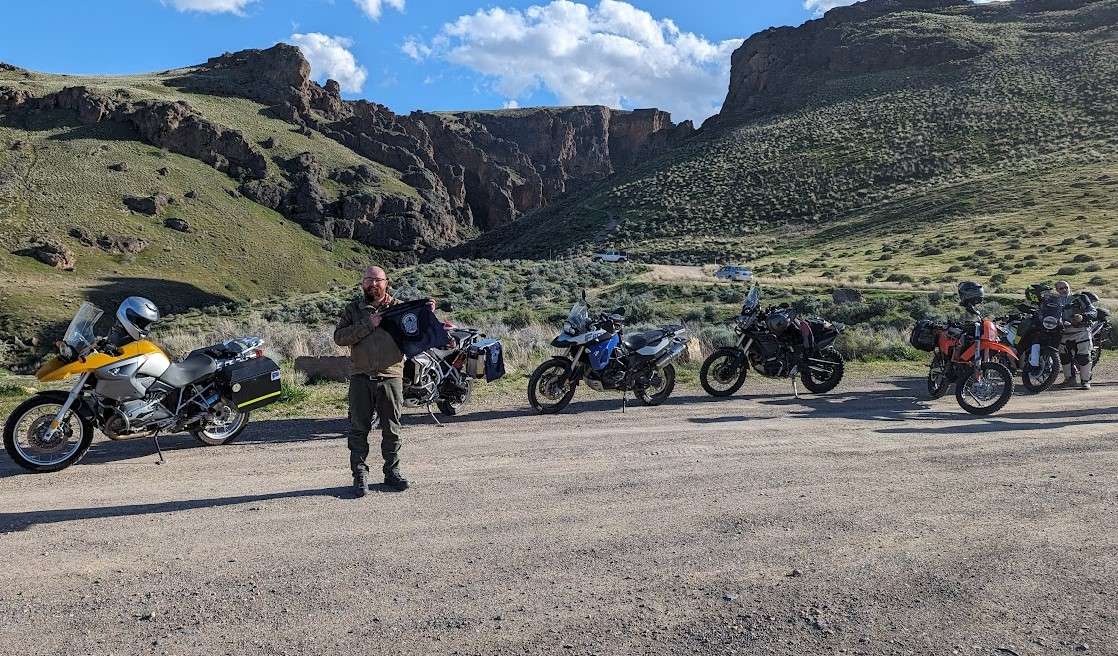
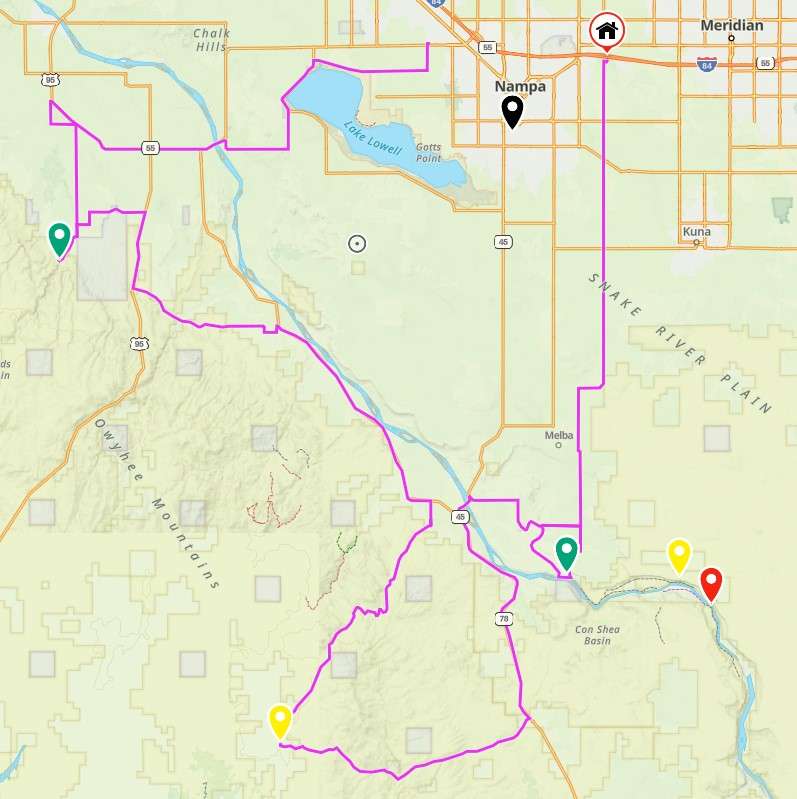

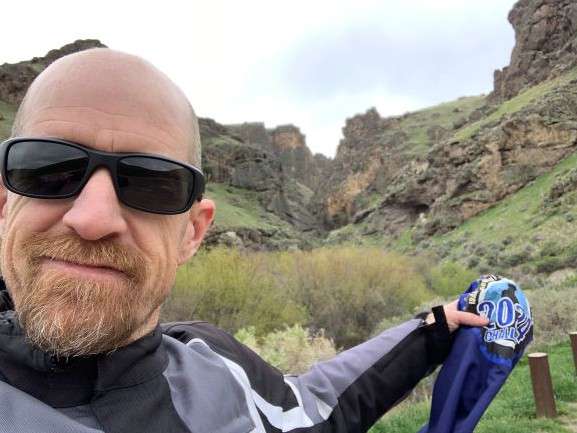

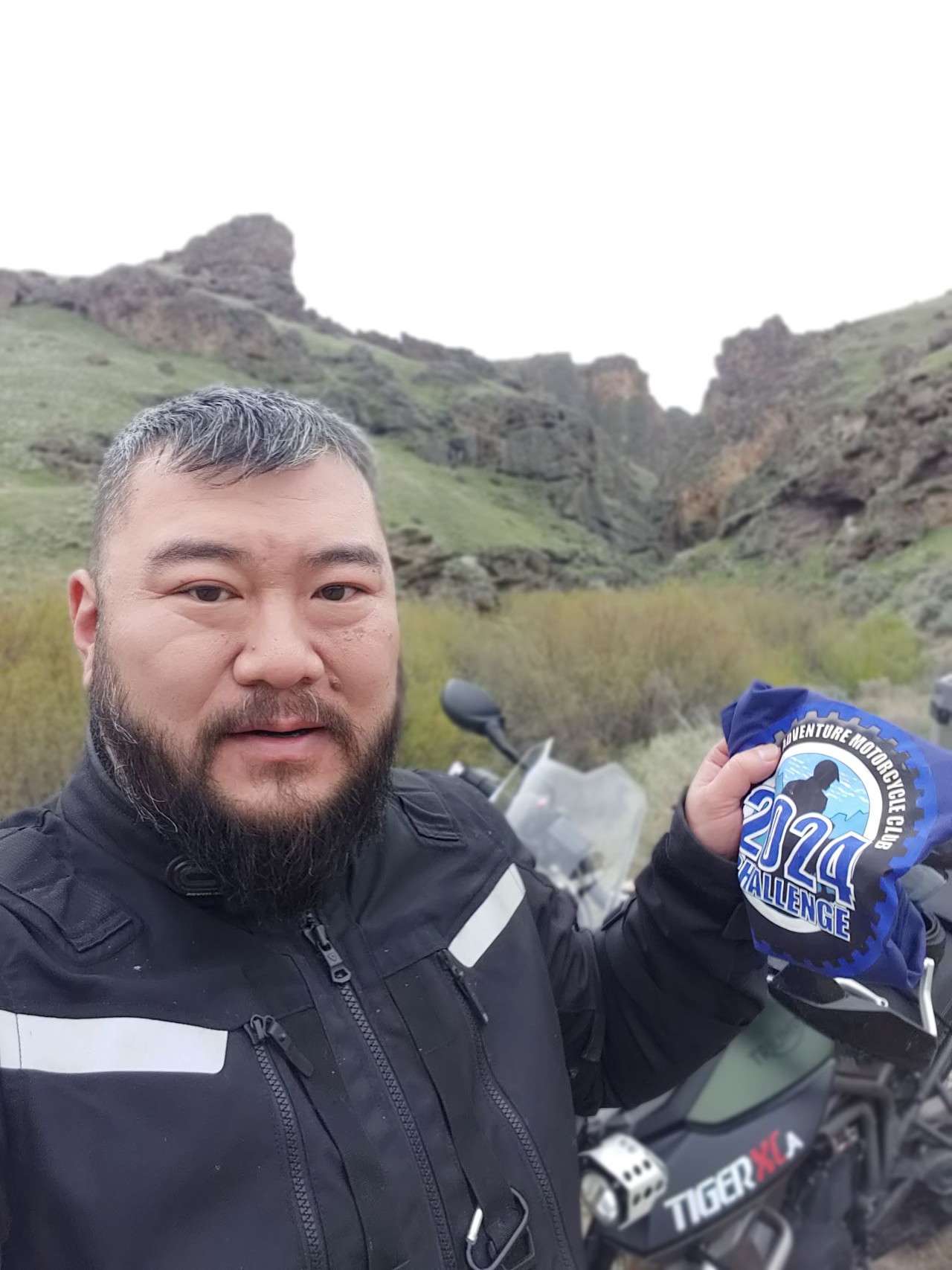

Easy ride to the trailhead parking lot. Last 1.1 mile is on very well maintained gravel road. Not too many people today, probably due to the rain.
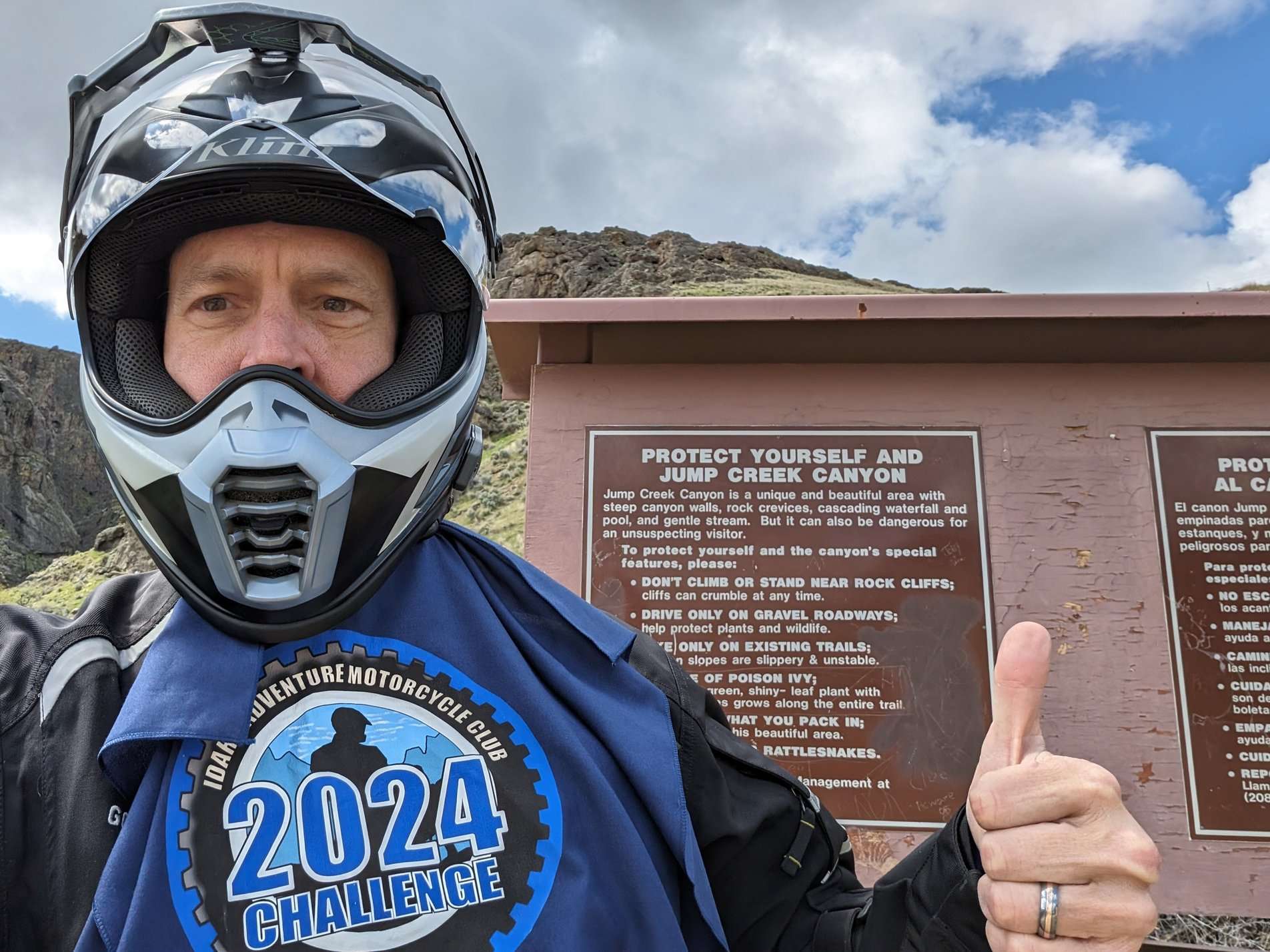

Normally this place is packed with people. Not today! Too cold to swim I suppose.
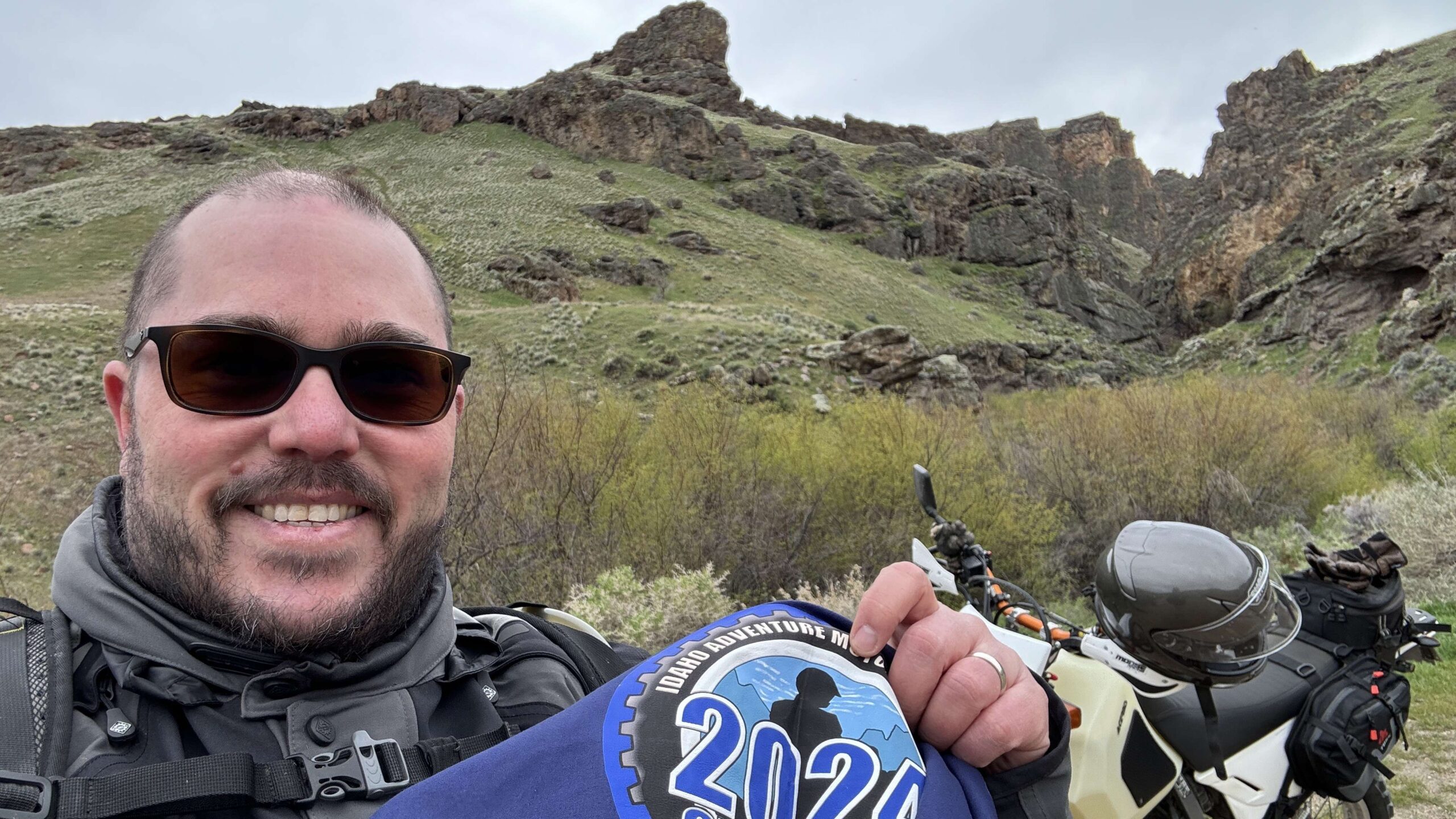

It's an easy country ride to Jump Creek with the last part steep downhill on concrete roadway that reminded me of a boat ramp. Jump Creek is a beautiful place to visit. It is a popular destination with a lot of hiking trails originating there. Be prepared to hike a distance up Jump Creek to get a view of the falls.
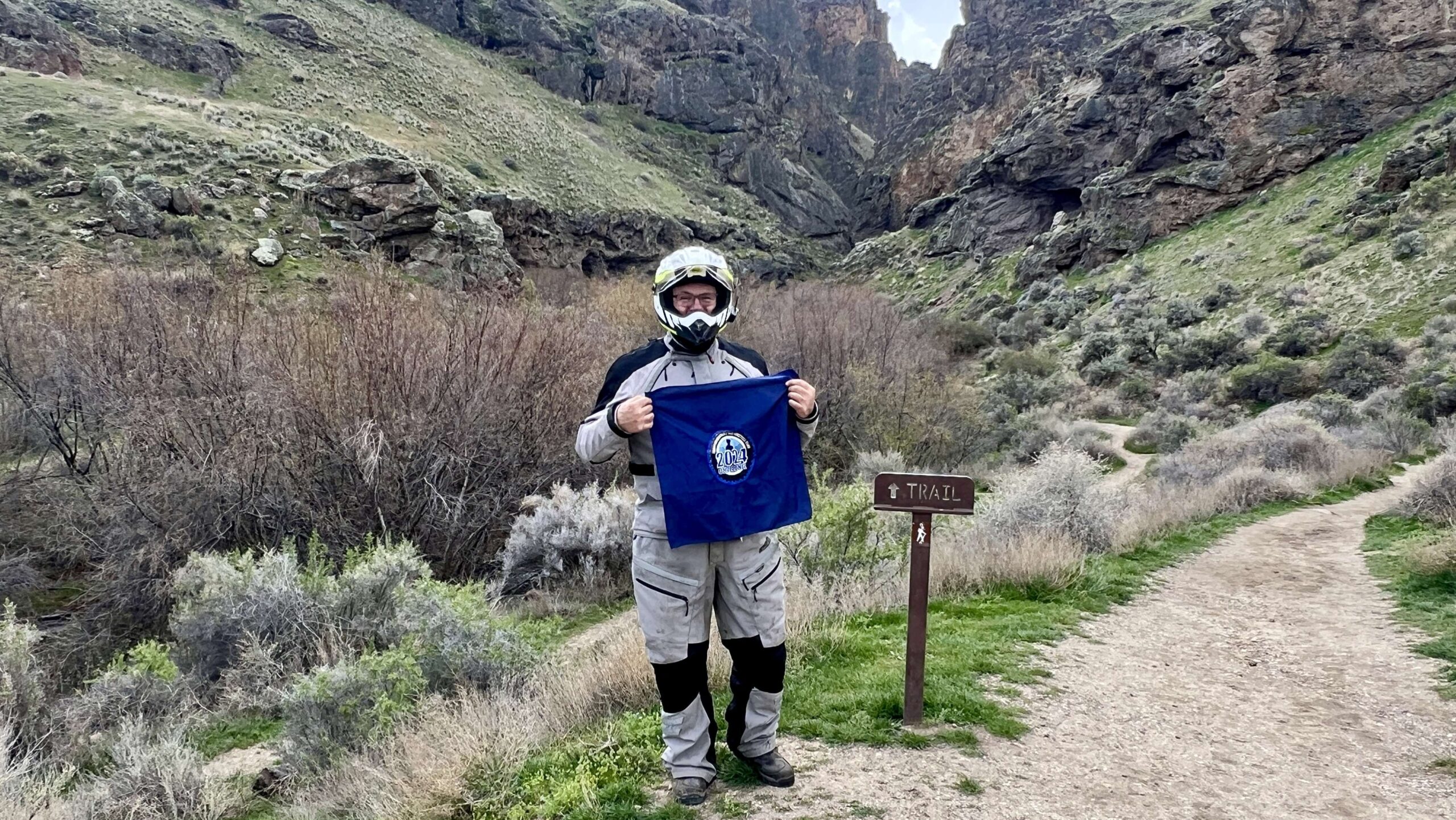
Beautiful Gorge! Hard pack gravel with plenty of loose pebbles on top.
Great ride, great views.
Had the day off so I went and wondered a little. Super easy to get to. Also its day use only.
I stopped by here on my way home from Silver City
Finally made it out here for this site.
April 9th ride
Easy ride
Memorial Day ride
It was a nice and easy ride there, but there was dirt/gravel the final half mile or so.
Dave and I rode to Jump Creek from Celebration Park. He went down the concrete ramp, but I didn’t follow. I’m giving it a 2 because of the gravel road on the last half mile to Jump Creek. Lots of other people were there–it was a beautiful day!
Nice & easy. Went 5/19 was cool and windy which cleared any dust from the car ahead…and there were many cars. Was a busy day there. Lower parking lot was full and top one was half full. Lots of people walking around. Didn’t go on the hike as only had my riding gear.
easy ride
Out to pick up 3 sites on a very windy day!
Easy, yet breezy, ride to Jump Creek on 3/29 with a couple of pals. Amazing views and stunning rock formations. Plan to return for some hiking and exploring.
Edit: The ride was on 4/29.
Great ride to Jump Cr. falls with friends. Lots of wind which luckily meant minimal dust on the dirt roads and trails.
Jump creek. Easy relaxing ride with a hike.
Windy day
Malibu Stacy and I had a nice Sunday afternoon ride and picked up Jump Creek and the Old Fort Boise marker.
Lovely Sunday afternoon for a ride on back roads from Caldwell, past Lake Lowell, through Marsing to Jump Creek. It was sunny with a breeze and the roads were dry. Was expecting to see more people out riding but it was fairly quiet. By the looks of the bathroom it had been much busier yesterday.
This was the last stop on a 300 mile 2 day ride with 95% dirt. I will note that we came in from jump creek via succor creek and the water crossing was about 24″ deep, wide and flowy. Timid riders beware. We got through unscathed and had a blast. The trail after that is probably a 2, just with an asterisk
Finished a two day trip into the Owyhees with this site on Saturday 4/13. The weather was great that day and it was surprisingly crowded with people hiking to the falls. I did not make the hike to the falls from the parking lot because I was exhausted from a long day of riding challenging terrain but plan to return again someday to check it out.
Rode two up with my wife. Nice way to spend a Sunday morning. Kinda shocked I have never been here. Road was as expected for that part of the world.
First one off the list!
I went there once before but didn’t go down the concrete ramp to the lower parking lot. Checked that box today though, along with dozens of other outdoor enthusiasts taking advantage of the great Saturday weather.
Pretty place. Easy to get to. Pavement up till the last 1/2 mile or so.
Jump Creek, end of a 219 mile day… the evening light was nice on the canyon rocks.
What a cool place. Great weather and amazing views.
Nice easy ride to a view
1st ride with the group. Apparently, the lower falls are flooded.
Jump Creek Falls was the first challenge point we hit in our 4/9 group ride. The ride over is nice, especially if you hug up to Lake Lowell as we did. Expect to find well paved roads most of the way, but I’m rating this one a 2 since the last 1/2 mile or so is well graded gravel. You also need to cross a couple of cattle guards. It’s not difficult by any means, but a 1 is paved roads all the way and this one is not.
We didn’t go to the falls, but I will def return with the family. We were told to get to the falls right now you need to wade through some water over the trail due to the recent rains.
Quick stop, no hike.
A little cold, but made it to Jump Creek
Easy ride to the trailhead parking lot. Last 1.1 mile is on very well maintained gravel road. Not too many people today, probably due to the rain.
Normally this place is packed with people. Not today! Too cold to swim I suppose.
It’s an easy country ride to Jump Creek with the last part steep downhill on concrete roadway that reminded me of a boat ramp. Jump Creek is a beautiful place to visit. It is a popular destination with a lot of hiking trails originating there. Be prepared to hike a distance up Jump Creek to get a view of the falls.
Awesome!
Comments are closed.